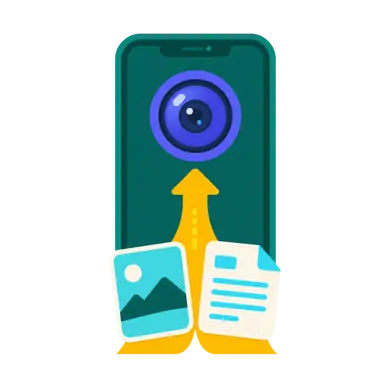
Capture or choose a file
Use a phone camera for images, or select an allowed general file such as a PDF, Office document, archive, audio, or video.
Photo and file hash proof
Use the camera button for an image or phone camera; use the file button for an allowed general file. Paste an existing SHA-256 to verify prior proof.
Four steps
Start by capturing or selecting a file, create its digital fingerprint, complete security processing, and then choose the right preservation and publication method.
Use a phone camera for images, or select an allowed general file such as a PDF, Office document, archive, audio, or video.
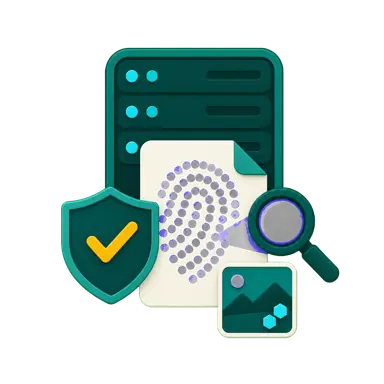
The server calculates or compares SHA-256 and queues the file for security scanning. Only images receive additional EXIF and embedded C2PA analysis.
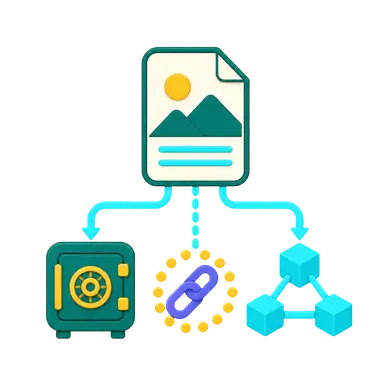
The original is temporary for 24 hours by default. Keep it private on CashLink, write only its SHA-256 to BCH as a public time anchor, or publish the original to IPFS.
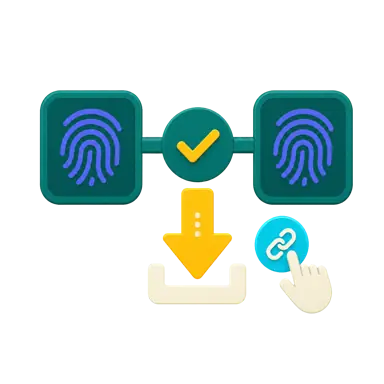
Recalculate the fingerprint to check whether the content still matches. Members download saved originals, and a public download page appears only after a sharing link is explicitly created.
Technology and evidence
Time anchoring, digital fingerprints, provenance analysis, and decentralized storage solve different problems. Used together, they create a more complete evidence trail.
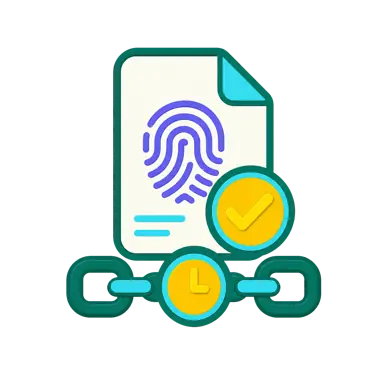
Dates stored inside digital files can be changed, so they cannot establish when a file was produced by themselves. Writing its SHA-256 to the public BCH chain creates an independently verifiable, tamper-evident time anchor showing that matching content existed no later than transaction confirmation. It does not prove the actual capture or creation time, or that the content is true.
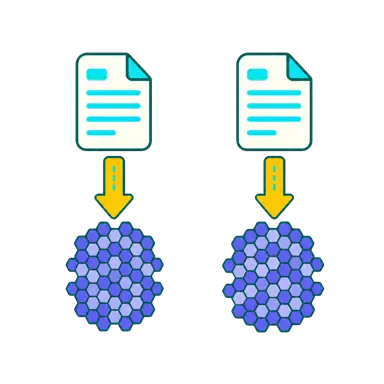
The same file bytes produce the same fingerprint, while any content change will normally produce a completely different result. A hash is not encryption and does not determine whether a file is truthful by itself.

After an image passes security scanning, CashLink analyzes EXIF and embedded C2PA. You must reselect the file yourself for external AI tools; CashLink never sends it automatically, and their results are advisory only.
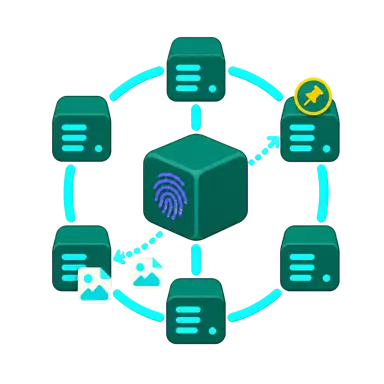
IPFS addresses content by CID, and anyone with that CID can retrieve or repin the public original. A password or CashLink deletion cannot recall copies held by other nodes, while continued availability still depends on nodes keeping the content pinned.
Interactive evidence lab
Help the camera companion complete three missions and see what private preservation, public sharing, content addressing, and an on-chain time anchor each add.
OP_RETURN preview: hash required, public references optional
All three missions complete
Each tool solves a different need: CashLink or IPFS provides access to the original, while BCH turns its SHA-256 into a public time anchor.
Preserves the original for the member to download later and recalculate SHA-256 against the same content version.
Creates a password-free CashLink URL with no expiry so anyone with the URL can open and download the original.
Publicly addresses the original by CID so anyone with the CID can retrieve or repin the same content.
Permanently records SHA-256 as a time anchor showing matching content existed no later than transaction confirmation, with an optional URL or CID.
BCH ad-free plan
Use this code to recover payments and access if browser data is lost.

Development test notice
CashLink is still being developed and tested. Features may contain bugs, change, or remain unfinished, and all site data may be deleted, reset, or recreated at any time.
Screen compatibility notice
This site is not yet fully optimized for mobile screens. For the best browsing and interaction experience, please use a widescreen PC. You can still continue on this device.
Instant BCH payment
A dedicated payment address is being derived and synchronized securely. The payment QR code and one-hour payment window will appear automatically when it is ready.
Payment deadline:
Address release:
Send pure BCH only, not FT/NFT. Funds first seen during hours 1–3 create refund rights only. Funds first seen after address release receive no credit or refund, and a reused address belongs to the current order.
You can pay in this browser without saving a code. For cross-device recovery, generate and store a code offline; a new code immediately invalidates the old one.
This code is shown only on this screen. Do not place it in a URL, chat, or public location.
Paid guest assets from this browser were detected after sign-in.
Refunds do not block new payment orders. You must confirm a BCH mainnet CashAddr for cases that need an address.
Loading refund cases…
There are no pending refunds.
Maintenance notice