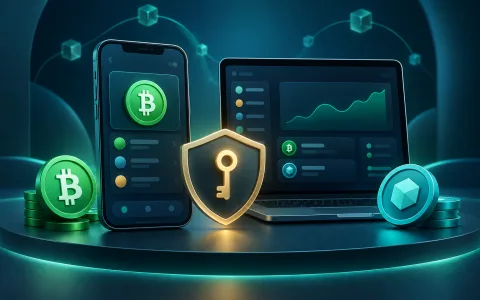
Use a wallet that supports CashTokens and dApp connections, and keep a small amount of BCH for network fees.
Bitcoin Cash ecosystem
Go from holding BCH to using it
A curated starting map from CashLink: choose a wallet, explore CashTokens, merchant payments, and developer tools, then learn how on-chain LinkCash may be swapped for BCH when a pool and sufficient liquidity exist.
Getting started
Four steps into the Bitcoin Cash ecosystem
BCH is the network’s native currency. CashTokens are separate digital assets created on the same chain. Secure storage, everyday payments, and application development can all happen on Bitcoin Cash.
LinkCash guide
LinkCash is a CashToken, not BCH
LinkCash is a fungible token issued with the native CashTokens protocol on Bitcoin Cash. It is distinct from BCH, which pays network fees and ordinary BCH payments.
Identify LinkCash by its Category ID
Names and icons can be imitated. Verify the full Category ID in your wallet or exchange tool.
Official LinkCash Category ID
9f4cc783174fb05bd9550ab28b64c71332a7bad4b0c1964727880c60a96b7652
In-platform eligible amount
Conditional distribution eligibility recorded under platform rules. It is not BCH and is not yet on-chain LinkCash in your wallet.
On-chain LinkCash in your wallet
Only after a distribution transaction completes does LinkCash appear in your CashToken-compatible wallet and come under the wallet holder’s control.
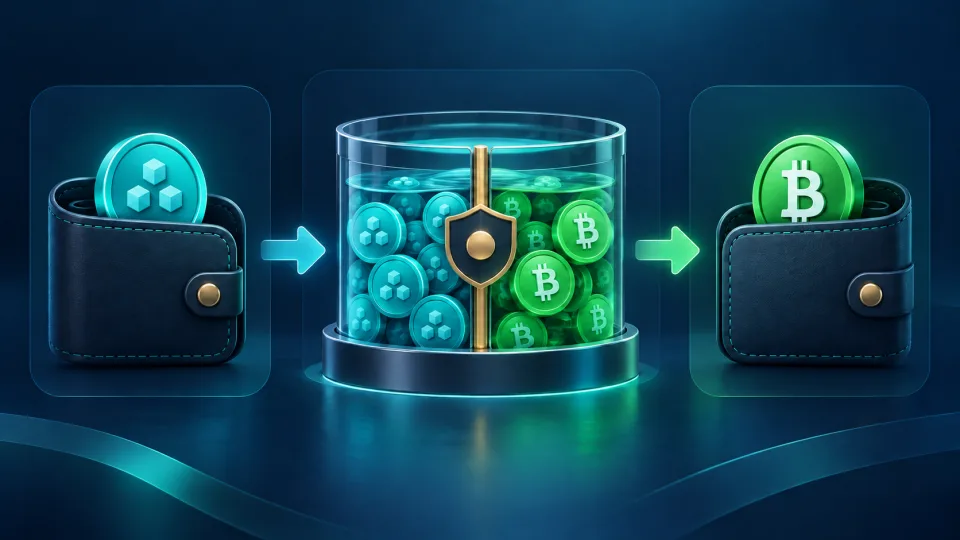
How a CashToken can be swapped for BCH
This is a general flow only when an active pool and sufficient liquidity exist. Cauldron and compatible wallets are independent third-party services.
Match the LinkCash in your wallet against the full Category ID on this page, not just its name or icon.
Visit Cauldron and connect using a compatible method. Never give a website your recovery phrase.
Select LinkCash to BCH, confirm a pool and sufficient liquidity exist, then inspect price impact, minimum received, and fees.
Check every asset change and destination shown by your wallet. Sign and broadcast only when the details are correct.
Without an available pool or sufficient liquidity, the swap cannot be completed. LinkCash has no fixed BCH price. CashLink does not guarantee execution, endorse third-party services, or state that a LinkCash market currently exists.
Read the official CashTokens definition
Wallets
Hold BCH and CashTokens
Features and supported platforms vary. Back up your recovery phrase offline and never provide it to any person or website.
Paytaca
A non-custodial mobile wallet focused on BCH and CashTokens, with merchant-payment and dApp features.
Visit website ↗ Electron CashA desktop-oriented BCH SPV wallet that keeps keys under user control and supports CashTokens.
Visit website ↗ CashonizeAn open-source, non-custodial wallet focused on CashTokens and BCH dApp connectivity.
Visit website ↗ Selene WalletA streamlined open-source, non-custodial BCH wallet available on the web and Android.
Visit website ↗CashTokens
Understand, create, and inspect on-chain tokens
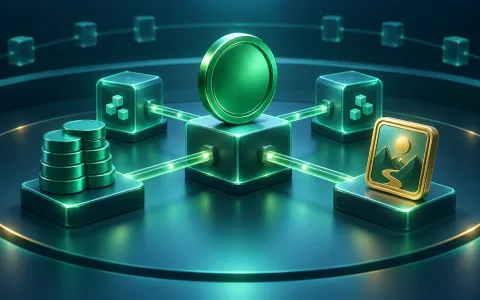
Start with the protocol documentation, then use independent tools to explore token data and decentralized applications. Always verify URLs and transactions yourself.
CashTokens documentation
Learn about native fungible and non-fungible tokens, token-aware addresses, and the protocol specification.
Visit website ↗ CauldronA token swap and liquidity tool on Bitcoin Cash; availability depends on each pool and its liquidity.
Visit website ↗ CashTokens StudioCreate and manage CashTokens without writing code.
Visit website ↗ CashToken ExplorerInspect CashToken metadata, supply, holders, and authchain using a Category ID.
Visit website ↗Commerce
Pay and get paid with BCH
Merchant discovery, physical POS, online invoices, and shopping services connect BCH with everyday commerce.
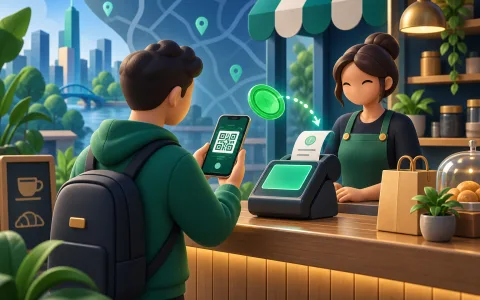
Paytaca Map
Find physical merchants accepting BCH and review recent Paytaca POS activity.
Visit website ↗ Paytaca POSA point-of-sale system for accepting BCH, managing sales, and viewing reports.
Visit website ↗ Payment HubCreate BCH invoices and payment links with API and webhook integration.
Visit website ↗ BitgreeA shopping service for buying products and wish-list items with BCH.
Visit website ↗Learn and build
Keep learning or start building
Use ecosystem directories, a smart-contract language, and developer libraries to move from user to builder.
BitcoinCash.org
An entry point for Bitcoin Cash basics, wallets, services, and developer resources.
Visit website ↗ HelpMe.cashA categorized directory of BCH wallets, stores, developer tools, and more.
Visit website ↗ CashScriptA familiar language and TypeScript SDK for building Bitcoin Cash smart contracts.
Visit website ↗ Mainnet.cashBCH wallet, transaction, and application development tools for JavaScript and other languages.
Visit website ↗Merchant map
Find BCH merchants on Paytaca Map
Search for merchants accepting BCH and review recent activity. Opening hours and payment acceptance can still change.
See where you can use BCH nearby
Open the global Paytaca merchant map and search around your location or destination.
BCH ad-free plan
Pay to remove ads
Order / donation UUID
Currently ad-free until—
Expiry after purchase—
Choose a duration for a live quote
Pending refunds
Save your guest recovery code
Use this code to recover payments and access if browser data is lost.
